Check the Status of the Notification Server
The Notification Server provides long polling sessions to MFP devices, and is installed on the Delegation Server(s). MFP devices open a connection session to the Delegation Server to receive a notification. Because the MFP devices do not have public IP addresses, the SLNX embedded installed on the MFP devices polls the Delegation Server to request new notifications. Once available, the server responds and sends the new notification over the connection to the device.
If the Notification Server does not seem to be working correctly, you can check the status using these instructions:
-
Click [System] → [Server Management] → [Server Group]. The Server Group screen lists all configured Delegation Servers.
-
Scroll to the right in the server list to view the NS Status column.
The icon in this column indicates the current state:-
Green: Ready
-
Orange: Warning
-
Red: Error
-
If the column is blank, ensure that you have upgraded both the Core Server and the Delegation Server(s) to the latest version.
-
-
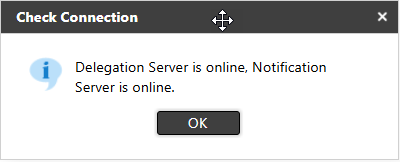
Click a specific delegation server to select it, and then click Check Connection. This option checks both the Delegation server and the Notification server, and indicates the status of each. This will allow you to determine if the problem involves only the Notification server, or if the Delegation server is also offline.