Exceeding the Usage Limit
When the usage limit is exceeded after performing authentication and logging in to a device successfully or when printing is performed, a warning message may be displayed on the operation screen of the device.
This warning message is not displayed on laser printers with a 4.3-inch screen.
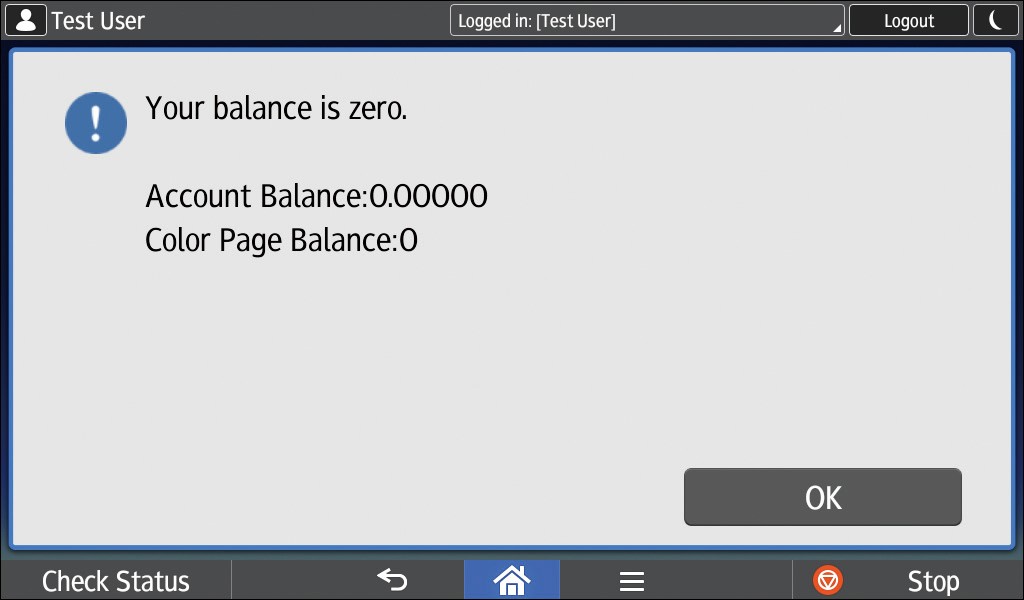
Example of error message (when using the Smart Operation Panel)
Example of error message (when using the Standard Operation Panel)
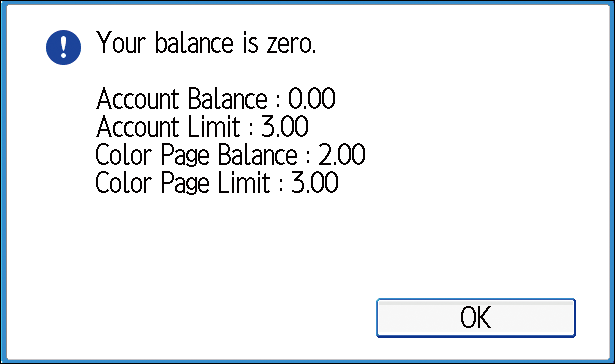
After you read the message details and press [OK], the workflow selection screen or print document list screen is displayed depending on the administrator settings.